

How do I address a last-minute ticket purchase that isn't reflecting during check-in?
There may be instances where someone has purchased a last-minute ticket (or wants to purchase a ticket at check-in!) and isn't reflecting during the check-in process.
Below, we've provided a simple guide on what to do to ensure that those last-minute purchases reflect correctly - and you can continue to check your guests in smoothly and efficiently.
Step 1: Refresh the check-in page.
If you can’t find a last-minute guest on the check-in page, simply refresh the page and see if the guest appears by searching for the ticket purchaser’s name.
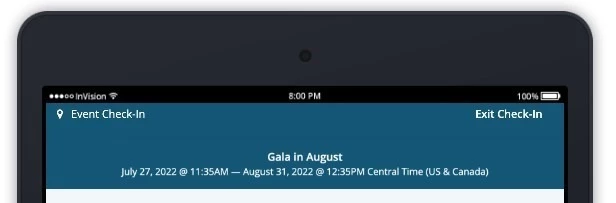
Step 2: Confirm that the ticket was a "guest" ticket, and not an add-on ticket.
If you still can’t find the guest, you should confirm that the ticket purchased was a guest ticket, and not an “add-on” ticket (such as a meal, t-shirt, etc.).
What do you need help with?
Not what you're looking for?
Go back to the Feature Overview.
How do I edit guest information after check-in in Network for Good? | Can I update attendee details after they are checked in? | How do I correct guest info during an event? | Where do I edit a checked-in guest’s details? | How do I fix incorrect guest information after check-in? | Can I change contact info for a checked-in attendee? | How do I update guest responses to event questions?