


Apricot Support | Contacting Apricot Support
Contacting Customer Support
Support is available Monday - Friday, 7:00 AM to 5:00 PM CST.
For questions specific to product support, please log in to your software application to get help from a product specialist.
Important: For all other inquiries—including questions related to billing, sales, or account management—please click here.
If you're looking for articles on specific topics related to working within Apricot, open the Resource Center using the help icon in Apricot to explore our resources.
We also have a fantastic resource on how best to provide the right details for the support team here.
Get in-product support
You can now access Support directly from the Resource Center in Apricot. Select the question mark icon in the lower-right corner of your screen to open it, then click Contact Support.
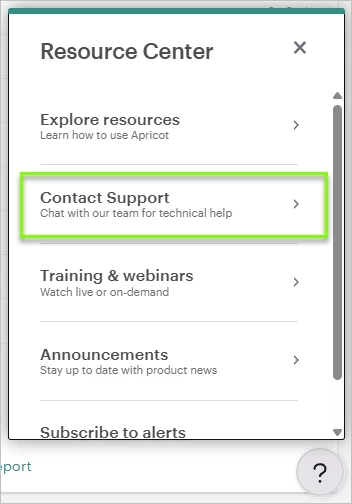
From there, you'll see two options:
- Chat with Support — type your question in plain language and the chat will respond with answers sourced from Apricot's help center. It works best for how-to, navigation, and workflow questions.
- Browse Help Articles — goes directly to the Apricot help center.
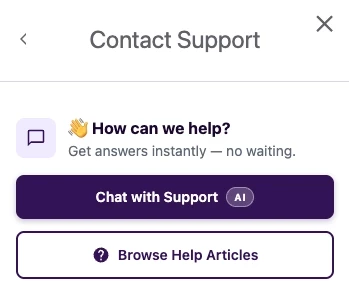
If you still need help after reviewing the chat response, you can request to connect with a support agent and the chat will connect you directly.
For a full walkthrough of the in-product support experience, see Getting In-Product Support in Apricot.
Manage your support tickets
Please note: We’re currently in a transition period and your support cases may be spread across two portals. We recommend checking both to get a full view of your support history and open requests. We’re actively working to consolidate everything into a single location and will update this guidance once that’s complete.
Accessing the portals
- New portal: bonterra.zendesk.com
- Previous portal: help.bonterratech.com/help/s/cases
Support requests submitted through the in-product chat are tracked in the Bonterra support portal at bonterra.zendesk.com. This is where you can view and manage any cases you create going forward.
Note: Past support history from before May 27, 2026 will soon be available in the portal as well.
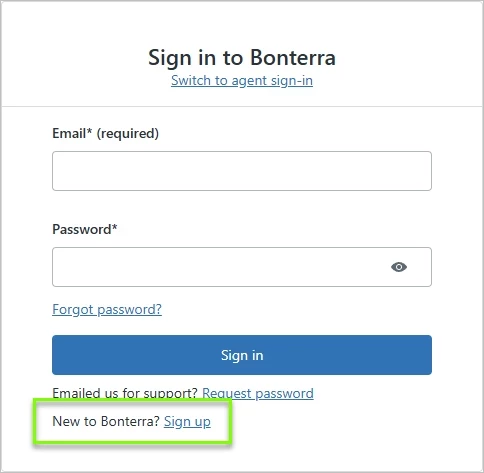
If this is your first time accessing the portal, click Sign up and use the email address associated with your Apricot account to create your login.
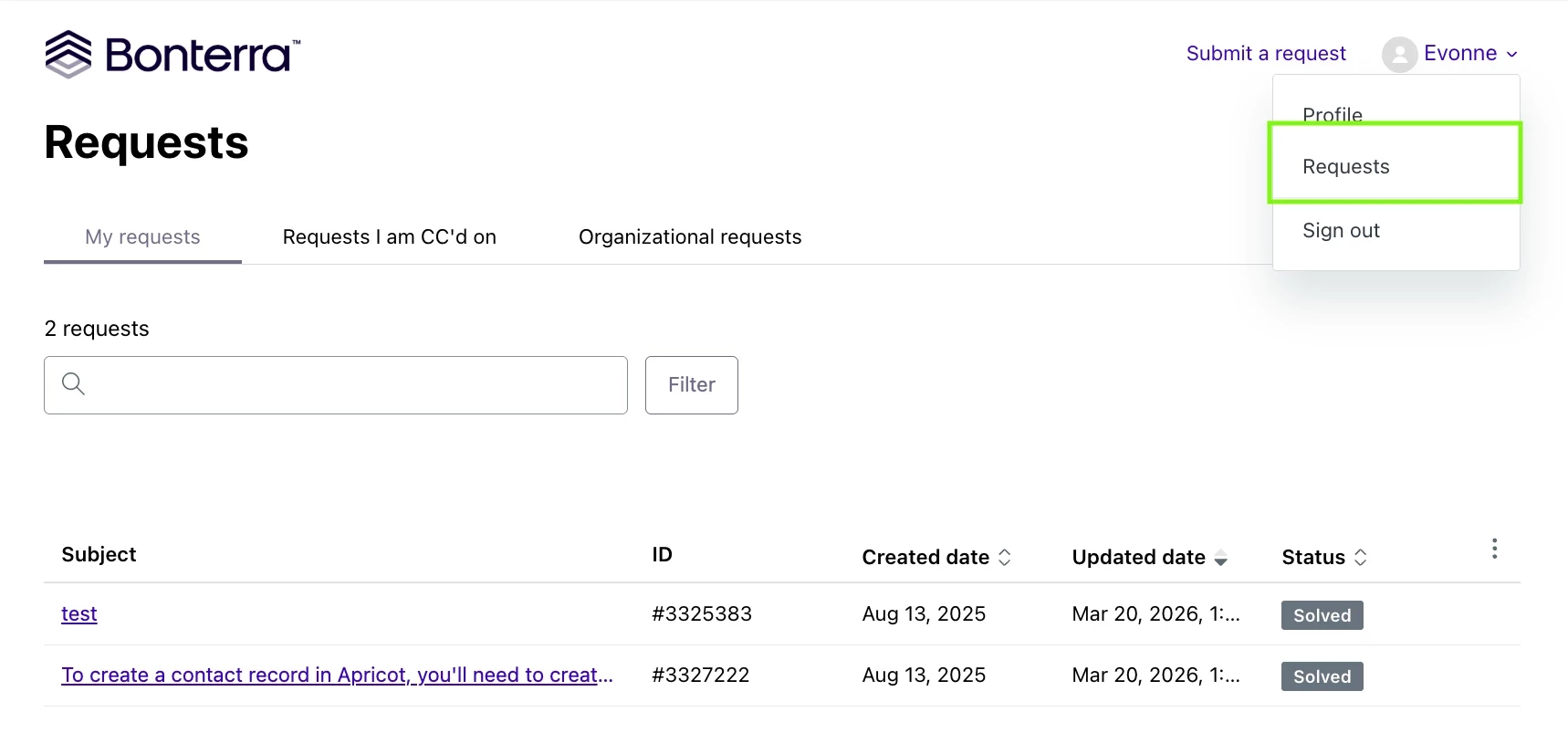
Once logged in, navigate to Requests to view open and past tickets. From within any ticket you can review the conversation thread, check the current status, reply with additional information, and create a follow-up request if your issue wasn't fully resolved.
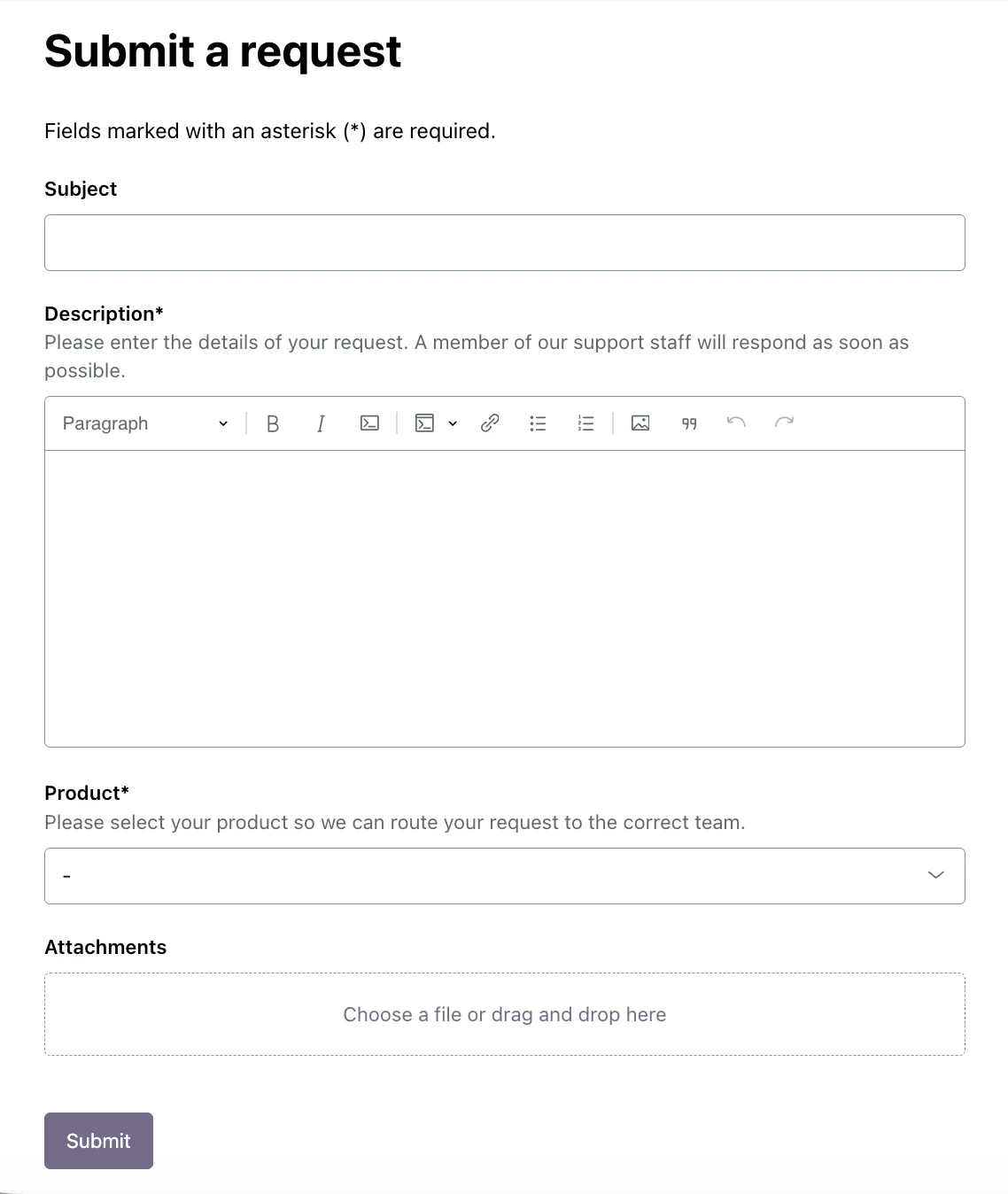
You can also submit a support request directly from the portal by clicking Submit a Request and completing the form with details about your issue — the more context you provide, the faster the team can help. For more information, see the Support Portal article.
Have additional questions? Reach out to Support through the in-product support solution or by emailing apricot@bonterratech.com.
Status Page
Please see our scheduled maintenance, unscheduled maintenance and any open incidents on our status page.
Looking for information on Support SLA's?
Visit this page on the Bonterra website to learn more.
How do I contact Apricot Support? | What are Apricot Support hours? | How do I open a support case in Apricot? | How do I chat with Apricot Support? | Where is the Apricot Customer Portal? | How do I check the Apricot status page? | How do I submit a billing or account question for Apricot?